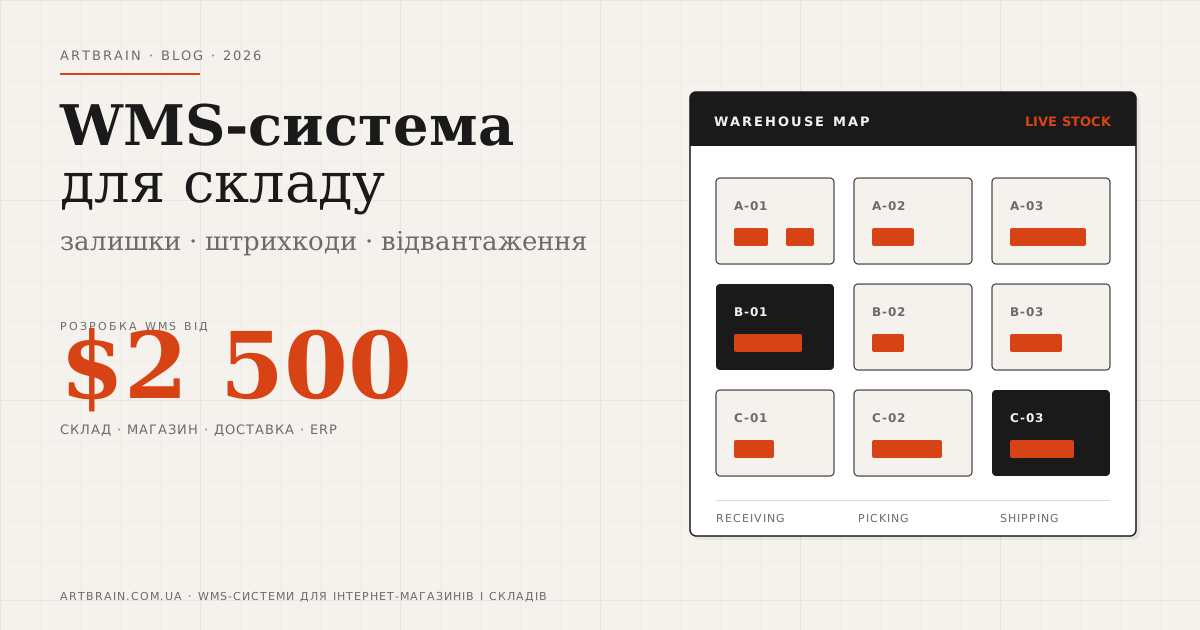
If your warehouse lives in Excel, the manager has to ask the warehouse worker “please check if this item is actually there”, and website stock does not match reality, the problem is not your team. The business has simply outgrown manual inventory control. At that point you need a custom warehouse WMS system: not a fashionable acronym, but a practical tool that shows where each item is, how much stock is left, what is already reserved for orders, and what needs to ship today.
In short: WMS (Warehouse Management System) is needed when a warehouse can no longer be controlled by memory, spreadsheets and messenger chats. It covers receiving, location-based storage, stock levels, order picking, shipping, inventory counting, barcodes and reporting. For an online store, WMS is especially important because the website can sell correctly only when the system knows real stock availability. At Artbrain, WMS development starts from $2,500. The base approach includes product accounting, warehouse zones, receiving, shipping, inventory, barcode support, integrations with an online store, delivery services and other business systems. If you have one small warehouse and a few orders per week, WMS may be excessive. If orders come daily, products get lost, and stock needs to be checked manually, it is better to implement the system before chaos becomes more expensive than development.
What a WMS is in plain language
A WMS answers three questions: what is in the warehouse, where it is located, and what needs to happen with it. It is not just a stock spreadsheet. A spreadsheet stores a number. WMS manages the process.
For example, goods arrive from a supplier. In WMS they are received, checked, assigned to a bin or zone, labeled, and added to available stock. When a customer places an order in the online store, the system reserves the item and creates a picking task. The warehouse worker sees what to pick, where to pick it from, and where to send it for packing.
This sounds simple, but this is exactly where businesses usually lose control: one item is stored in the wrong place, another is sold twice, a return was not written back to stock, and a product that “exists in Excel” is not physically there.
When a business already needs WMS
WMS is not for everyone. If your catalog is small, sales are rare, and one person controls everything, a good website admin panel or CRM may be enough. But there are clear signs that manual inventory starts hurting sales.
- Website stock does not match the warehouse. A customer orders an item, then the manager apologizes because it is no longer available.
- Products are searched for manually. One person knows “roughly where it is”, but a new employee gets lost.
- Orders are picked from messenger messages. The manager sends a list in chat, the warehouse replies with photos or voice messages.
- Inventory counting interrupts work. To count the warehouse, shipping has to stop or the team works after hours.
- There are several warehouses or zones. Stock may be in a showroom, main warehouse, reserve, in transit, or returned goods zone.
- You already use barcodes, scanners or labels. If goods are labeled, that process should be connected to the system, not kept separately.
The main criterion is simple: if a manager cannot open the system and immediately see real stock, the warehouse needs automation.
How WMS differs from CRM and ERP
CRM works with customers and sales. ERP connects broader business processes: finance, purchasing, warehouse, production, HR. WMS focuses specifically on warehouse operations.
| System | What it handles | When you need it |
|---|---|---|
| CRM | Clients, leads, deals, manager tasks | When sales need control |
| ERP | Finance, purchasing, warehouse, production, shared processes | When the whole business needs one system |
| WMS | Receiving, storage, stock, picking, shipping | When the warehouse becomes the bottleneck |
WMS can be a separate system or an ERP module. For e-commerce, it often makes sense to start with the warehouse: fix stock, shipping and returns first, then connect finance, purchasing and other processes.
What a proper WMS should include
You do not need to start with a “system for everything”. A good WMS first covers the warehouse actions that happen every day.
Receiving
The system records what arrived, from whom, in what quantity and condition. If goods arrive partially or damaged, this is visible immediately, not a week later.
Location-based storage
Every item has a specific location: warehouse, zone, rack, shelf, bin. This becomes critical when the warehouse is run by a team, not one person.
Reservation for orders
Once a customer places an order, the item is reserved. It cannot be accidentally sold to someone else unless the business logic allows it.
Picking and shipping
WMS creates a picking list, shows the storage location, helps verify the order and passes the parcel to delivery.
Inventory counting
Inventory becomes a regular process, not a painful one-time event. The worker scans items or enters quantities, and the system shows discrepancies.
Barcodes: not decoration, but the basis of accurate stock control
In a warehouse system, a barcode is not there “to look serious”. It removes manual SKU entry and reduces the risk of errors during receiving, picking and inventory counting.
In WMS, a barcode can be placed on a product, box, pallet, bin or document. Scanning does not replace business logic, but it makes it real: the system does not just “know” an item exists, it sees the movement of that item through the warehouse.
WMS integrations: store, ERP, delivery
A warehouse system should not live separately. Its value appears when it is connected to sales, delivery and accounting.
- Online store. Orders go into WMS, items are reserved, stock goes back to the website.
- ERP or 1C/BAS. The warehouse sends product movements, write-offs, returns, purchasing and stock data.
- CRM. The manager sees the order status without calling the warehouse.
- Scanners and label printers. They connect the physical warehouse with the digital system.
For e-commerce this is critical. If the store sells an item and WMS does not know about the order, the warehouse still works manually. If WMS ships an item and the website stock is not updated, the customer may buy something that is no longer available.
How much does a WMS system cost
At Artbrain, WMS development starts from $2,500. This estimate for WMS development fits a base warehouse system with product accounting, storage zones, receiving, shipping, inventory counting, barcodes and core integrations.
The final price depends not on “how pretty the interface is”, but on the process:
- how many warehouses and zones must be managed;
- whether location-based storage is needed;
- whether barcodes, QR codes, scanners and label printers are needed;
- which integrations are required: website, ERP, CRM, Nova Poshta, marketplaces;
- whether data needs to be migrated from old spreadsheets or systems;
- which roles are needed: warehouse worker, manager, owner, administrator.
We do not recommend buying WMS “for growth” if the warehouse is still simple. It is better to build a core that the team actually uses every day, then add modules: purchasing, returns, serial tracking, analytics, marketplace integrations.
When WMS is not needed
This is worth saying honestly. WMS may be excessive if the warehouse is small, products are few, orders are rare, and one person controls the whole process. In that case, a good online store admin panel, CRM, or simple stock module may be enough.
WMS is not needed because “large companies use it”. It is needed when manual warehouse control starts hurting sales: an item was sold but not found, the customer waits while the manager checks stock, inventory brings surprises, and a new employee cannot quickly join the process.
How we approach WMS development
We do not start with screen design. We start with the process: how goods arrive, who receives them, how they are labeled, where they are stored, how they are reserved, who picks orders, and how shipping is created.
Then we design the system structure: products, stock, warehouses, zones, bins, movements, users, roles and integrations. For warehouse and business systems we use a proven stack: Django/Python, React or Vue.js, PostgreSQL, Redis, REST API. This is the same approach we use for ERP, CRM and other automation systems.
If you need a WMS system for your warehouse, start with a short consultation. We will review your process and honestly tell you what fits better: a separate WMS system, an ERP module, or an improvement to your current online store.
FAQ
What is a WMS system for a warehouse?
A warehouse WMS system is software that manages receiving, location-based storage, stock levels, order picking, shipping, inventory counting and barcodes. Unlike Excel, WMS tracks not only stock numbers, but the full movement of goods through the warehouse.
How much does WMS development cost at Artbrain?
The price depends on scope, integrations and timeline. We prepare an exact estimate after a free review of your task.
When does a business need WMS?
A business needs WMS when website stock does not match the warehouse, products are searched for manually, orders are picked through messenger chats, inventory interrupts work, or there are several warehouses and zones. If a manager cannot immediately see real stock in the system, the warehouse needs automation.
How is WMS different from ERP and CRM?
CRM handles customers, leads and sales. ERP connects broader business processes: finance, purchasing, warehouse, production. WMS focuses specifically on warehouse operations: receiving, storage, stock, picking, shipping and inventory counting.
Can WMS integrate with an online store and Nova Poshta?
Yes. WMS can integrate with an online store, ERP, CRM, 1C/BAS, delivery services, scanners and label printers. Delivery data can be sent through the official Nova Poshta API and other carrier APIs.