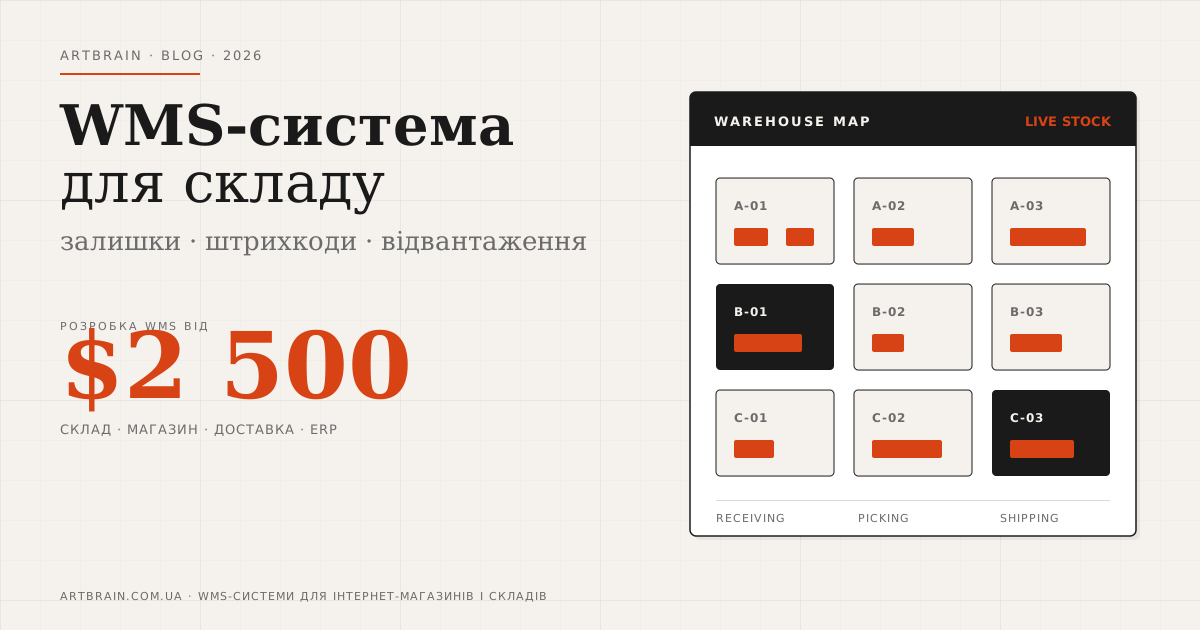
What is WMS and How It Optimizes Your Warehouse
WMS (Warehouse Management System) is a system that automates all warehouse operations: receiving goods, zone placement, order picking, shipping and inventory counting. WMS replaces paper records and spreadsheets with precise digital control of every product unit.
Who Needs a WMS System
WMS is essential for any business with warehouse operations:
- E-commerce stores: fast picking and shipping – when 100+ daily orders and every delay minute means cancellation
- Wholesale companies: tracking large product volumes, batches, and expiry dates per item
- Manufacturers: managing raw materials, semi-finished goods, and finished products across multiple warehouses
- Distribution centers: optimizing pick routes, cross-docking, zoning for different product types
- 3PL operators: multi-client inventory on a single warehouse – each client sees only their own stock
Core WMS Capabilities
Goods Receiving
Barcode scanning on arrival, purchase order matching, damage and discrepancy logging. Automatic zone placement based on rules: turnover rate, weight, temperature requirements.
Addressable Storage
Every product unit has a precise address: warehouse → zone → rack → shelf → bin. The system knows where everything is and suggests optimal placement for new inventory.
Order Picking
Automatic pick route generation with minimum travel distance. Strategies supported: piece picking, batch picking (multiple orders at once), wave picking for high volumes.
Shipping
Pre-ship order verification, automatic waybill generation, carrier integration via shipping APIs – for both third-party and own fleet delivery.
Inventory Counting
Full and cycle counts with mobile scanners. ABC analysis for count prioritization. Automatic discrepancy reports and write-off documentation.
Analytics & Reporting
Inventory turnover, warehouse space utilization, picker productivity. Stock levels, movements, expiration tracking – all in real time.
WMS Integrations
WMS integrates with other systems for end-to-end supply chain automation:
- ERP system / accounting: stock level sync, goods movements, financial documents
- Online store: automatic stock reservation on order, real-time availability updates on website
- Marketplaces: Amazon, eBay, local platforms – live stock levels and shipment statuses
- Shipping carriers: automatic waybill creation, shipment tracking, delivery status updates
- Hardware: mobile data terminals, label printers, scales, RFID readers
WMS Implementation Steps
- Warehouse process audit – measuring product flows, analyzing current efficiency and bottlenecks
- Zone design – optimal warehouse map for your product mix and volumes
- System development – building WMS with custom workflows for your warehouse operations
- Hardware setup – connecting scanners, mobile terminals, label printers, scales
- Product database migration – importing SKUs, barcodes, storage rules, and current stock levels
- Staff training – separate sessions for pickers, warehouse managers, and supervisors
- Go-live & optimization – launch, monitoring KPIs, refining pick routes and zone allocation
How Much Warehouse Automation Costs
Warehouse automation starts from $2500. The price depends on the number of warehouse zones and SKUs, whether barcode or RFID scanning is needed, how many integrations are required with the accounting system, online store and delivery services, whether pickers need a mobile app, and whether data must be migrated from an existing system.
A small single-zone warehouse and a multi-warehouse operation have very different budgets. We prepare an estimate after reviewing the receiving, storage, picking and shipping processes.
Ready-Made Software or Your Own WMS
Ready-made warehouse software and cloud services with a monthly subscription are faster to start and cost less upfront. They are a practical fit for a small warehouse with standard processes.
This model stops fitting when you need non-standard rules, several warehouses, your own reservation logic, deep integration with your store and accounting system, or when the monthly per-user fee grows with the team. A custom WMS is a one-time investment with no per-seat subscription, and the code belongs to you.
Where to Start With Warehouse Automation
- Document the current process – cover receiving, storage, picking and shipping.
- Count the SKUs and zones – record the product range and warehouse layout.
- Decide which system owns the stock figure – its number should be the source for other channels.
- Choose the first integration – decide whether to connect the accounting system, online store or delivery services first.
- Pick the tooling – only then choose the WMS, scanners and mobile workstations.
Automating a disorganized process only spreads the mess faster. Put the working rules in order before moving them into a system.