- Check existing features and integrations first, then a connector and a separate API extension.
- Verify the required operation and account access before estimating; named applications are potential connections.
- Test retries and failures, keep accounts under client control, and agree on cost after a free task review.
If KeyCRM, Checkbox or Poster leaves one part of your workflow unfinished, replacing the entire application is usually premature. Start with its settings and existing integrations, then consider a connector service, followed by an extension through its official API. A custom system becomes worth considering when limitations affect your core process and maintaining workarounds costs more than keeping the application gives back.
An API is the approved way for another application to request data or perform specific actions. Your website might send an order to a CRM, while a separate module retrieves data for your report. It does not provide access to every internal feature. The first check is whether the particular operation you need is available to your account.
Configure, connect or extend: the order of decisions
Start with the application's own features
Ask your administrator to show the settings for fields, statuses and reports, alongside the list of existing integrations. An existing feature may already remove the manual step. This is the first and usually cheapest route because there is no separate module to maintain. The test is practical: can an employee complete the required journey without another spreadsheet or copying data?
Use a connector for a short exchange
Services such as n8n or Make connect actions across applications into a sequence. Consider this option when you need to transfer an enquiry, update a field or notify someone. Check that every required action is available, failures are visible and someone owns recovery. Our separate guide explains when n8n or Make is enough and when custom development helps.
Build a separate module through the API
An extension makes sense when an existing connection cannot follow your calculation, approval, reporting or contractor access rules. We can build a module, bot, page or exchange alongside the application. Before estimating the work, we check whether its API can read the required data and return the result. Data access does not mean we can change any screen inside the service.
Replace the system when extensions stop helping
Consider a custom system if the main workflow constantly happens outside the application, the API lacks an essential operation or several workarounds conflict. Compare maintenance with the benefit of keeping a familiar tool. Include history migration, staff training and checks of existing connections in the replacement decision. Wanting a different record layout alone is insufficient reason.
Identify the limitation you actually need to remove
Describe the problem as an employee action: “after approving the order, we retype its items in another application.” This identifies the start and outcome of the exchange. “We need automation” does not say what acceptance should check. Typical reasons for asking about an extension include:
- A custom calculation, discount or product configuration does not fit the available rules.
- You need your own stages and statuses, with controlled transitions between them.
- The manager assembles a missing report from several exports.
- The same products, orders or business details are entered in two applications.
- An employee needs their part of the workflow without access to the entire database.
- Customers need Telegram or Viber notifications that staff currently send manually.
- A document follows your own template, with fields copied from a record.
For notifications, we check the available sending method and conditions for the chosen channel. Documents need a sample template and rules for selecting data. For reports, define each measure: an order created, a sale completed and a payment received answer different questions. Agree on which event your report should count before building it.
KeyCRM and SalesDrive: website orders and custom rules
KeyCRM's official OpenAPI covers orders, buyers, products and pipeline cards. SalesDrive's API supports adding and updating enquiries, working with products and retrieving statuses; it also documents notifications for new enquiries and status changes. These provide potential connection points, rather than proof that any proposed workflow is ready to use.
We can connect a website form to the required process, transfer additional fields or build a separate report or calculation before order creation. First, we check the CRM's existing fields and automation settings. A custom calculation needs agreement on where it runs, who can change its result and what happens after a manager edits it manually.
Show a normal enquiry and an exception, such as a customer changing the items after approval. A repeated website submission should update the same record. Acceptance checks product matching, the correct status and preservation of manual edits that the exchange must leave intact. Creating a new customer and creating a new order also need separate checks.
Checkbox: a fiscal receipt within your workflow
Checkbox's official API documents opening and closing shifts, creating sale and return receipts, and retrieving receipt status and visual output. We can connect these actions to a website or CRM where an existing integration does not support the required journey. Confirmed payment and successful creation of a fiscal receipt must remain separate states.
Before implementation, agree with the person responsible for accounting when your process should create a receipt, which items and payment methods it should send, and how returns work. API availability does not determine the fiscal treatment of your particular transaction. We check the cash register settings and the service's supported scenarios.
Testing uses a test cash register, as Checkbox's documentation requires. If a response is delayed, the module first establishes the outcome of the previous attempt. Staff should see that the receipt is still processing or needs attention. Pressing the button again must not create another receipt for the same operation.
Poster and Syrve: menus and orders from your website
Poster documents retrieving menu products and recipes and creating online orders through its API. Syrve Cloud API includes menu operations and creating and retrieving delivery orders. We check the required operation, access for your venue and the connection version before estimating. A documented feature is not proof of availability in every configuration.
We can connect an ordering website, menu page or separate report. Start with one venue and an agreed selection of items. Show the available variants, extras, quantities and collection or delivery method as well as the dish name. Where website rules differ from the till, resolve that difference before launch.
During acceptance, the order must appear where an employee actually receives it. An acknowledgement returned to the website does not replace this outcome. Check an unavailable item, an amended order and a retry after a delay separately. An API connection should not be sold as permission to rewrite the internal behaviour of the till application.
Binotel and Ringostat: give each call a next step
Binotel's official materials describe call information, statistics and initiating calls from a CRM. The service supplies full technical documentation through support. Ringostat documents exporting the call log and event notifications. We can use the available information for an enquiry record or report, after checking the required details.
A useful task is specific: after a missed call, the responsible employee sees an enquiry, takes ownership and records the outcome. Check the existing connection between your phone service and CRM first. For an extension, agree on how to find an existing customer and what to do when a number matches several records.
A repeated notification about one call should enrich its history instead of creating another callback task. The process owner decides who can access call recordings. Being able to retrieve a recording link is not a reason to post it in a shared chat.
monobank: payment acquiring for a business
For website payments, we check monobank's acquiring API. It documents invoice creation, status checks and payment cancellation. This scenario concerns a business connected to acquiring. Access to the owner's personal account is not a prerequisite for this workflow, and the integration should be scoped to the required business operations.
We can connect payment to an order and send the verified outcome to the CRM. An order becomes paid after checking the bank notification or querying its status, rather than simply when a customer returns to the shop page. The owner decides what confirmation permits: notifying staff, preparing a receipt or moving the order forward.
Acceptance needs successful and failed payments, a delayed confirmation and a repeated bank notification. If the outcome is unknown, check the existing invoice first. Both customer and staff should see that verification is pending, so uncertainty does not turn into another order or an unnecessary payment request.
Nova Poshta: prepare and track a shipment
Nova Poshta's official materials describe creating shipping documents, reference directories and shipment management through the API. We can connect destination selection on a website, prepare a shipping document from an approved order and return an available status to the working interface. The specific methods need checking for your delivery route.
Identify who confirms recipient details, weight, payment method and who pays for delivery. If a shipping document already exists, a retry should find it. Changing an order after preparing the shipment needs an agreed rule; silently creating another shipping document is not an acceptable response.
Selecting a branch, preparing a shipping document and actually dispatching the parcel are different outcomes. Check each separately during acceptance. A CRM order status should map to a carrier event only through an agreed rule. Otherwise, staff may act on a status that means something different in each application.
Prom and Rozetka: connect the seller accounts
Prom's public API describes retrieving orders, changing their statuses and working with products. Rozetka's seller API includes operations for orders, prices and availability. We can connect these to your existing records when the required actions are missing from an existing exchange. Access and the particular operation still need verification.
Start by agreeing where staff edit data and which result should return to the marketplace. Some Rozetka changes depend on the order status, so the rule must be checked for the required operation. For both services, verify access in your seller account and current restrictions before estimating the work.
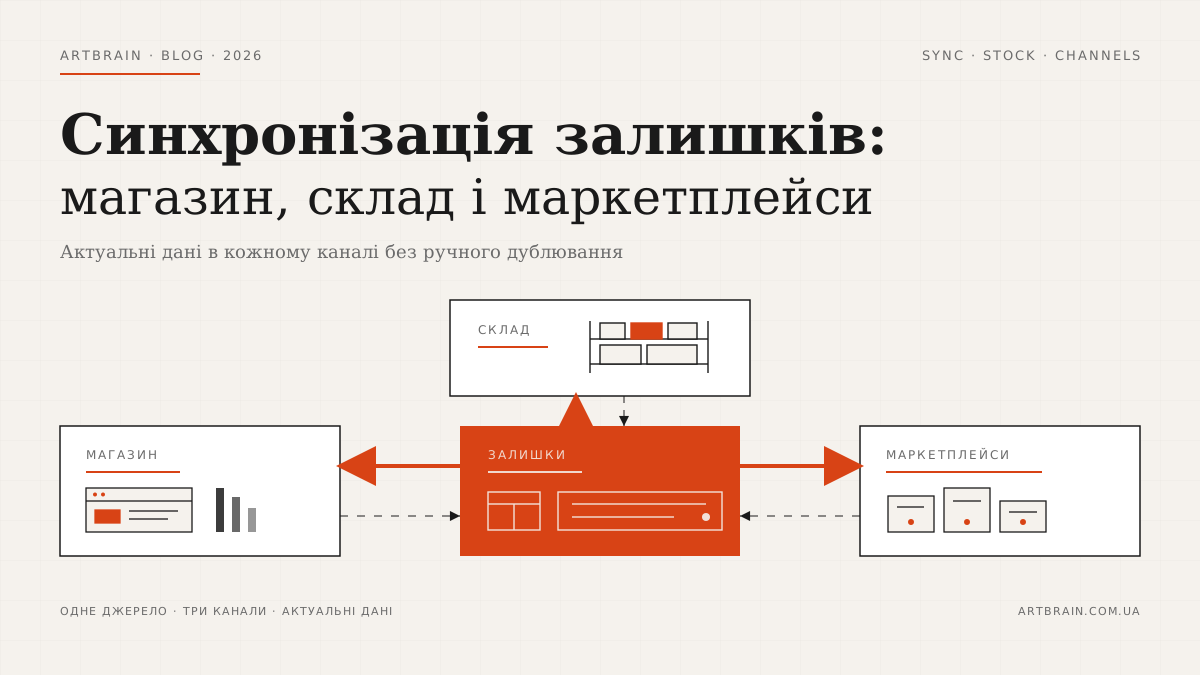
If the main issue is stock across channels, use our separate explanation of stock synchronisation between a shop, warehouse and marketplaces. Transferring a quantity alone does not resolve reservations or cancellations. For the first stage, choose one channel and a specific operation that staff currently repeat by hand.
BAS and 1C: keep accounting and add a connection
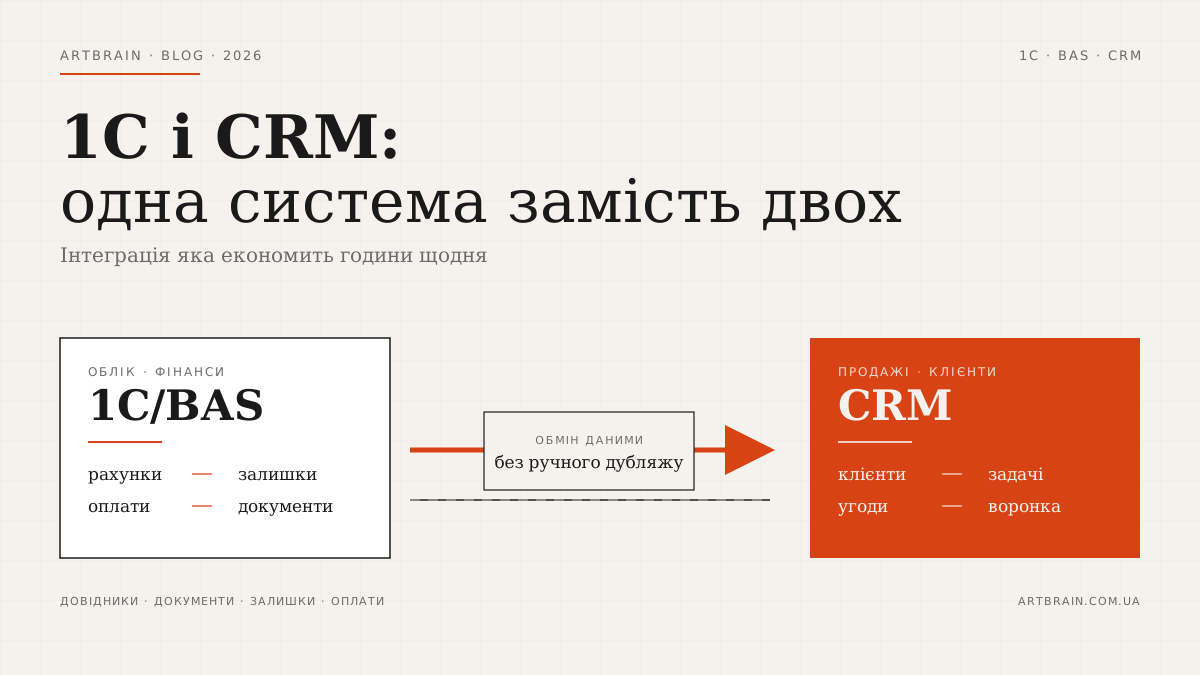
If accounting and warehousing already run in BAS or 1C, first define the data and exchange directions, allowing for the configuration and existing modifications. Our guide to integrating 1C/BAS with a CRM covers documents, directories and ownership of data. A separate report or exchange does not automatically require replacing the accounting system.
Task → what we build
| Task | What we do |
|---|---|
| An enquiry is entered twice | Transfer the fields and retain a link between records |
| A custom calculation is needed | Put the agreed rule in a separate module |
| A required report is missing | Collect available data and agree on its measures |
| A document is copied manually | Prepare a file using a checked template |
| Staff message each customer | Check the channel, event and sending conditions |
| A contractor needs limited data | Check existing permissions or build a separate page |
What can fail and how we check the launch
API limits and changes. Before work starts, check the service documentation and exchange volume. Transfers that fail are retained for a controlled retry, with the last success and errors visible. An API change requires checking the affected journey. A promise of a connection that never needs attention hides future maintenance.
Retries and unknown outcomes. Store the operation reference and its link to the record in the other application. If a response is missing, check the outcome before retrying. Deliberately repeat the transfer during acceptance: it must not produce another order, receipt or customer notification. The recovery path is part of the deliverable.
Permissions and keys. Application accounts and keys remain under the client's control. Agree on required permissions, how access is shared and how it is revoked. Keys do not belong in public page code, and passwords are unnecessary in the first message. A separate employee page checks permissions on the server even when an outsider knows its address.
Support and manual recovery. Before launch, name the person monitoring failures, who updates the extension and where staff report a problem. Provide instructions and agree on a temporary manual process. Disabling the module does not undo records already created; reconcile them before restarting it to avoid conflicting work.
Begin with a limited scenario using test data: normal completion, an invalid field, denied access, an unavailable service and recovery. The responsible employee then follows the entire journey in their working interface. Expand the exchange after that outcome is accepted. This gives the next stage a verified starting point.
What to send for a free task review
Send the application name and plan, the manual step and the outcome you want. Add a sample data structure without names, phone numbers or other personal information. Identify who has administrator rights and who can confirm the workflow is correct. Do not include passwords or API keys in the first enquiry.
The Artbrain integrations page lists our live connections: TurboSMS in a clinic CRM, 1C, Nova Poshta, Telegram and Google. We can assess connections to KeyCRM, Checkbox, Poster and the other applications named here after reviewing the documentation. For your process, we check the required action as well as the application's name in a connector catalogue.
If existing features are insufficient, we can build an extension for your particular workflow. After a free task review, we agree on scope, cost and support responsibility before work starts. The review should leave you with a clear choice: use an existing feature, connect an available exchange or build the specific missing part.
FAQ
Can KeyCRM or SalesDrive connect to an existing website?
We can assess and connect the required exchange through an existing integration or the official API. Send the CRM name and plan, enquiry fields and expected outcome. We also check repeated submissions so they do not create duplicate orders.
Can Checkbox create fiscal receipts from a CRM automatically?
Checkbox API supports creating receipts and checking their status. We can connect this workflow after agreeing when a receipt is required, which data it uses and how returns work. Testing uses a test cash register, and a delayed response must not cause another receipt for the same operation.
Can website orders be sent to Poster or Syrve?
Poster and Syrve Cloud API document operations for online or delivery orders. Before estimating, we check the required action, configuration and access for your venue. During acceptance, the order must appear in the interface used by the employee who receives it.
Should I replace an application because it lacks a feature?
Check settings and existing integrations first, then a connector or separate API module. Consider replacement when limitations affect the core workflow, an essential operation is unavailable or maintaining workarounds costs more than keeping the application gives back.
What do you need for a free integration review?
Send the application name and plan, the manual step, desired outcome and an anonymised data sample. Identify who has administrator rights. Passwords and keys are unnecessary in the first message. We agree on scope, cost and support before work begins.